01
Create Video from Text
Describe the subject, action, setting, lighting, and camera movement. Hailuo H3 uses the prompt as the video brief.
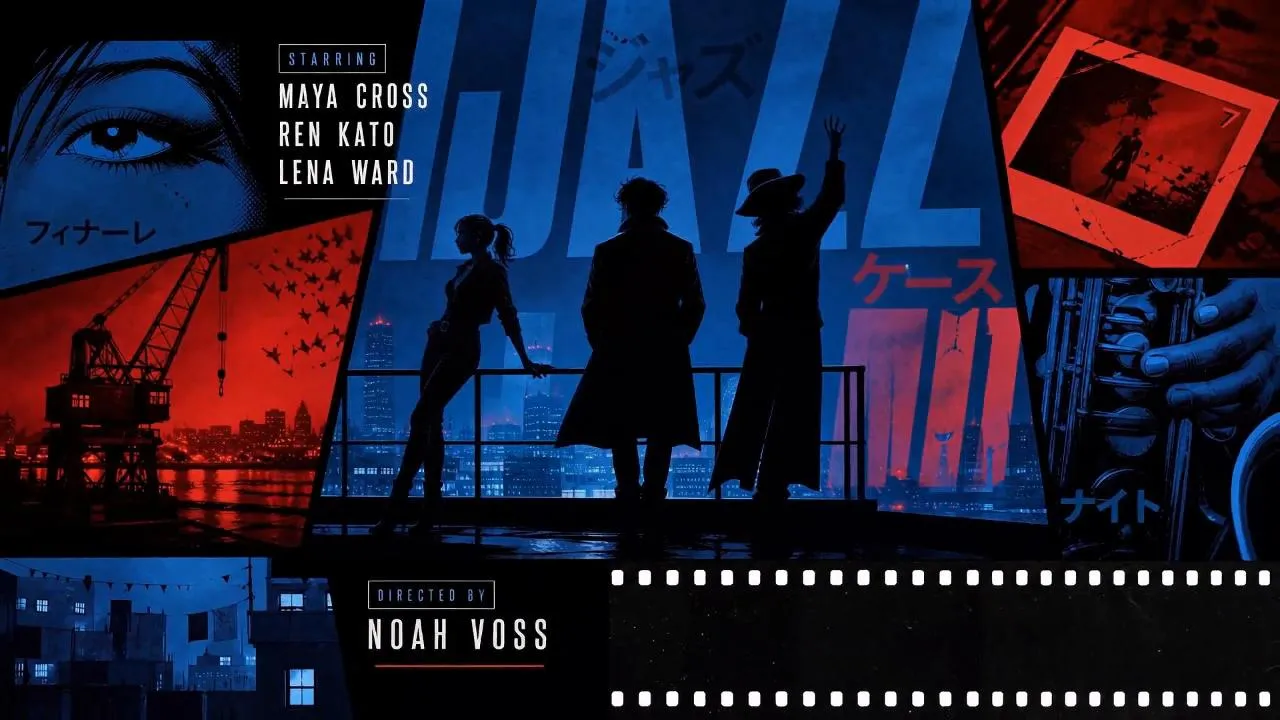
Create 5–15 second Hailuo H3 videos from text, first and last frames, or reference media. Choose 768P for drafts or 2K for more detail.
Create with Hailuo H3
Create a Hailuo H3 video from text, endpoint frames, or multimodal references. Choose 768P or 2K and a 5–15 second length.
Creative starting points
Watch Hailuo H3 AI video examples made with prompts, frame controls, and reference media. Compare ads, game UI, audio, and 2K output.
Flexible creative controls
Explore key Hailuo H3 features for text-to-video, frame control, reference media, camera direction, motion, and 768P or 2K output.
Describe the subject, action, setting, lighting, and camera movement. Hailuo H3 uses the prompt as the video brief.
Upload a first frame, a last frame, or both. The images guide how the video starts and ends.
Add supported images, video, or audio to give the model more context. Audio must be paired with an image or video.
Use the prompt to request pans, zooms, tracking shots, static shots, and subject movement.
Use 768P at 8 credits per second or 2K at 10 credits per second. Both options support 5–15 second videos.
Change the prompt, references, duration, aspect ratio, or resolution before you run the next generation.
Four-step workflow
Learn how to use Hailuo H3 online. Pick a workflow, write a prompt, add supported reference media, then choose 768P or 2K output.
Sign up and get 15 credits to start creating videos.
Select Text to Video, Image to Video, or Reference to Video.
Describe the scene. Add supported media if the workflow requires it.
Choose 768P or 2K, set 5–15 seconds, review the credit estimate, and generate.
Example prompt
A silver watch rests on dark stone. Soft light moves across the surface as the camera slowly pushes forward. Premium product commercial style.
Choose the right input
Compare Hailuo H3 text-to-video, first and last frame, and multimodal reference workflows. Choose the input that fits your project.
A written prompt
Exploring a new scene from scratch
A prompt and one or two frame images
Animating a still image or guiding a transition
A prompt with supported images, video, or audio
Adding context for subject, motion, camera, and style
Real project workflows
See how marketers, filmmakers, game teams, and motion designers use Hailuo H3 to test short-form video ideas before production.
Creative strategists and brand teams
Test a short product video concept before planning a full shoot.
Ecommerce teams and independent sellers
Explore short motion ideas using product photos already in your catalog.
Social teams and independent creators
Test vertical video ideas for Reels, Shorts, or TikTok.
Directors, cinematographers, and agencies
Compare framing, camera movement, and scene mood before filming.
Game designers and trailer teams
Use character or environment art to explore a short motion concept.
Brand and motion designers
Test depth, reveal order, and motion while using the original poster as a reference.
Review generated text, logos, packaging, faces, and brand details before publishing.
Plans and credits
Choose a one-time Hailuo H3 credit pack. Each billable second costs 8 credits at 768P or 10 at 2K, and purchased credits do not expire.
8 credits per billable second at 768P · 10 credits per billable second at 2K · See full pricing details
Frequently asked questions
Find answers about Hailuo H3 video workflows, 768P and 2K output, frame controls, file formats, video length, and credit use.
Yes. Hailuo H3 and MiniMax H3 are two names used for the same H3 video model. This site uses Hailuo H3 as the primary name throughout the interface.
Hailuo H3 creates short AI videos from a written brief, frame endpoints, or a combination of reference images, clips, and audio. It is useful when you want more ways to define a shot than text alone provides.
Use Text to Video when you only have a prompt. Use Image to Video for first and last frames. Use Reference to Video with supported image, video, or audio files.
2K uses 10 credits per billable second and provides the higher-resolution option. 768P uses 8 credits per billable second and costs less to generate.
Yes. Both 2K and 768P are available in the generator, so you can prototype at 768P and move to 2K when the direction is ready.
Yes. Upload a first frame to guide the opening. Add an optional last frame to guide how the video ends.
Choose any duration from 5 to 15 seconds. The credit estimate updates with the selected length and resolution before you generate.
Supported reference media includes images, short video clips, and audio. These files give the model more context for the subject, motion, camera, or style.
Images: JPG, JPEG, PNG, WEBP, HEIC, and HEIF. Videos: MP4 and MOV. Audio: WAV and MP3.
No. Add at least one image or video when you upload reference audio.
The rate is 8 credits per billable second at 768P and 10 credits per billable second at 2K. A five-second output costs 40 or 50 credits respectively.
Add the reference video duration to the output duration, then multiply by the resolution rate. Three reference seconds plus a five-second output uses 64 credits at 768P or 80 credits at 2K.
You receive 15 credits when you create an account.
No. This is an independent third-party video generator. It is not affiliated with, endorsed by, or operated by MiniMax.
Start with text, first and last frames, or multimodal reference media. Create a 5–15 second Hailuo H3 video in 768P or 2K.