Hailuo 3.0Native 4K AI Video, Director Mode & Synchronized Audio
Create professional 4K videos effortlessly with Hailuo 3.0's AI models for text-to-video and image-to-video, complete with director-level control and synchronized audio.No camera. No crew. No editing experience required.
What is Hailuo 3.0
Hailuo 3.0 is a next-generation AI video generator that converts text prompts or images into cinematic videos with smooth motion and synchronized audio. The Hailuo 3.0 AI video model combines text to video, image to video, and director-level camera control in one unified workflow.
Compared to Hailuo 2.3, Hailuo 3.0 delivers four major upgrades: resolution increases from 1080p to native 4K, frame rate doubles from 30fps to 60fps, maximum clip duration extends from 10 seconds to 30 seconds, and native synchronized audio generation is added for the first time - eliminating the need for external sound editing.
Hailuo 3.0 is built for marketing teams, content creators, e-commerce brands, and independent filmmakers who need professional video output without studio production costs.
Text to Video
Generate cinematic videos directly from prompts using Hailuo 3.0 text to video with consistent motion and scene composition. This allows creators to turn ideas into ready-to-publish AI videos without filming or manual editing.
Image to Video
Transform static images into animated cinematic videos using Hailuo 3.0 image to video with stable subjects and smooth movement. This enables product images, concept art, and characters to become dynamic video content instantly.
Director Mode Camera Control
Create professional camera motion automatically with pan, zoom, orbit, and tracking shots using Hailuo 3.0 director mode. This delivers film-style video composition and improves storytelling.
Hailuo 3.0
Key Features
Create cinematic AI videos with advanced motion control, native audio generation, and longer 4K video output.
Native 4K 60FPS Video Generation
Generate cinematic videos in native 4K resolution with smooth 60FPS motion. This enables Hailuo 3.0 to produce professional-quality marketing videos, storytelling scenes, and advertising content without post-editing.
Extended 15–30 Second Video Duration
Create longer narrative videos without stitching multiple clips together. Hailuo 3.0 supports extended video generation, making it ideal for product demos, cinematic storytelling, and social media videos.
Director Mode Camera Control
Control cinematic camera movement using pan, zoom, orbit, and tracking shots. Director mode in Hailuo 3.0 allows users to create film-style motion and more dynamic AI video generation.
Motion Brush Animation
Define movement for specific objects directly in your scene. Motion brush helps animate characters, products, and environments, giving Hailuo 3.0 more precise image to video control.
Native Audio Generation
Generate synchronized sound effects and ambient audio automatically. Hailuo 3.0 creates complete AI videos with audio, reducing the need for external sound editing.
Character Consistency
Maintain consistent characters across scenes and camera movements. Hailuo 3.0 image to video workflow preserves identity for storytelling, ads, and branded video content.
Hailuo 3.0
Video Gallery
Experience the pinnacle of AI cinematography. Native 4K resolution, fluid motion, and professional-grade storytelling.
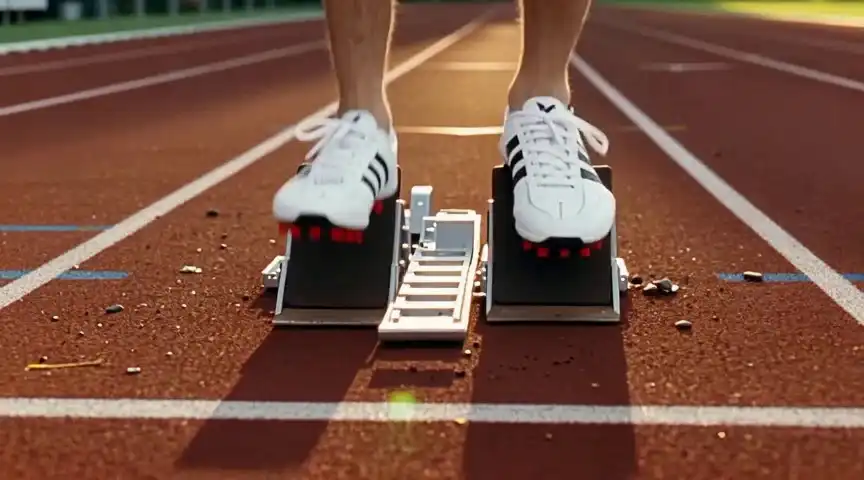
Track And Field Athletics
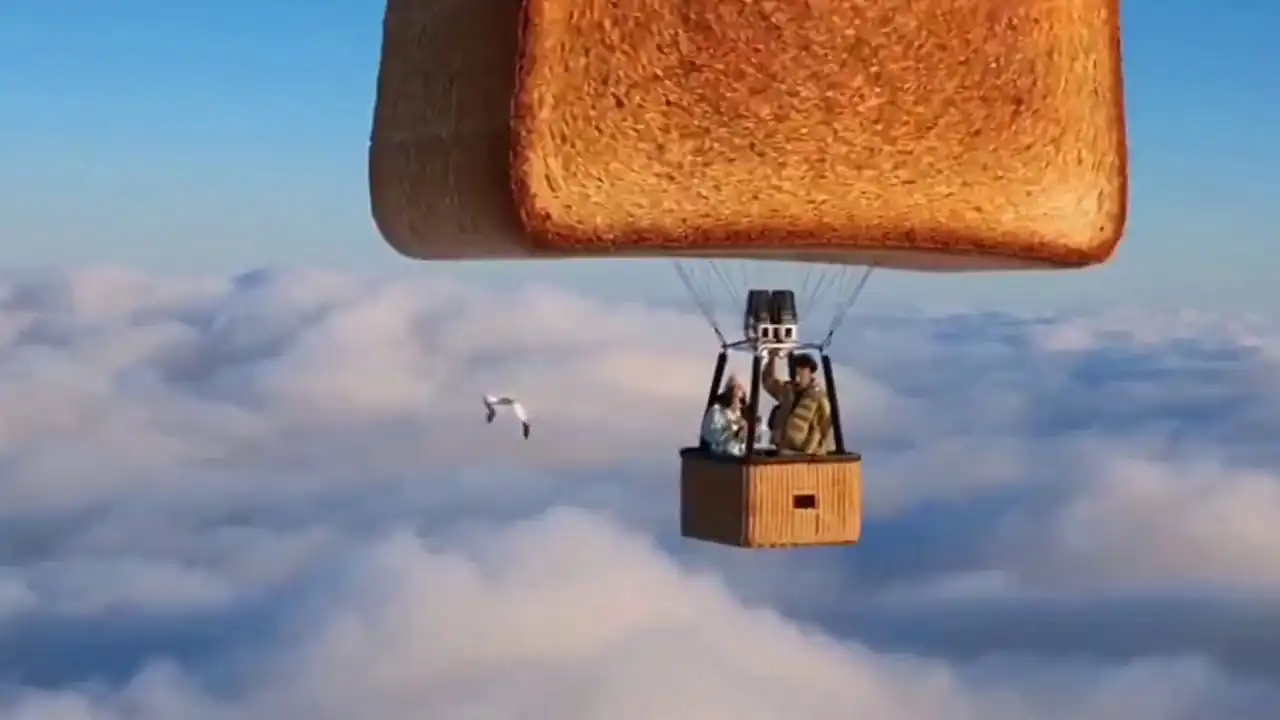
Morning Cloud Sea Toast Balloons
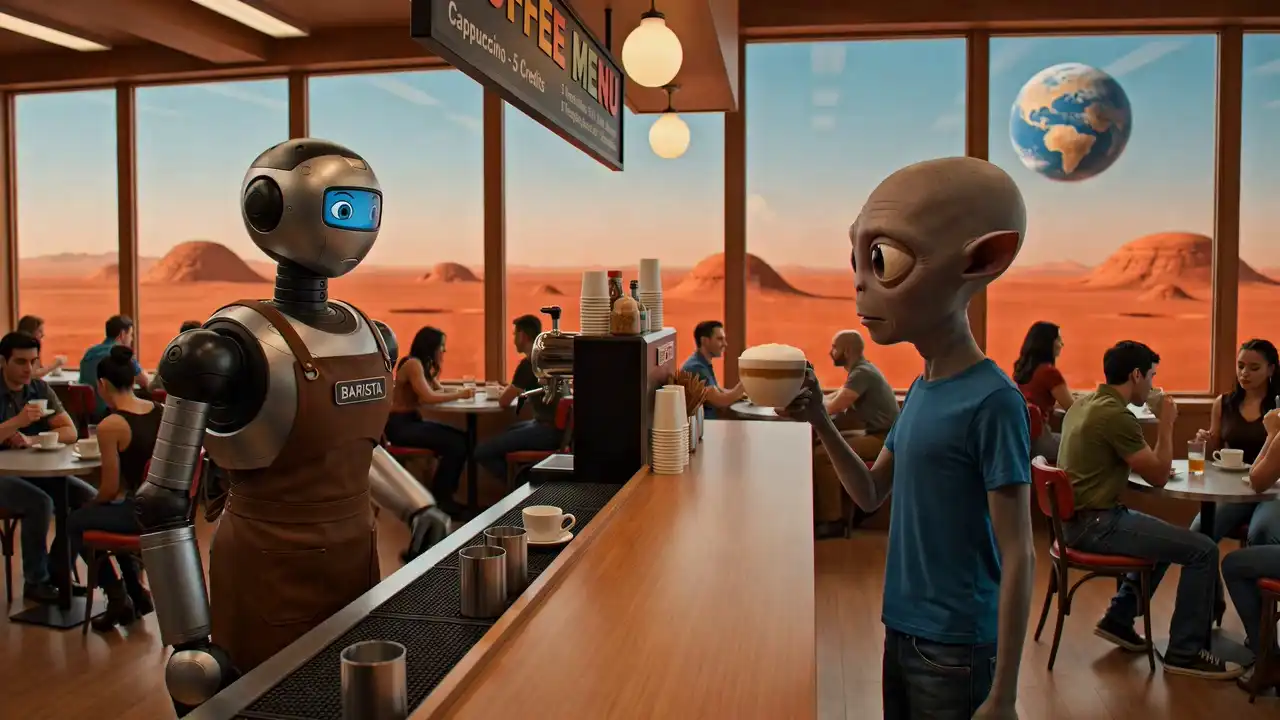
Mars Hipster Coffee Shop
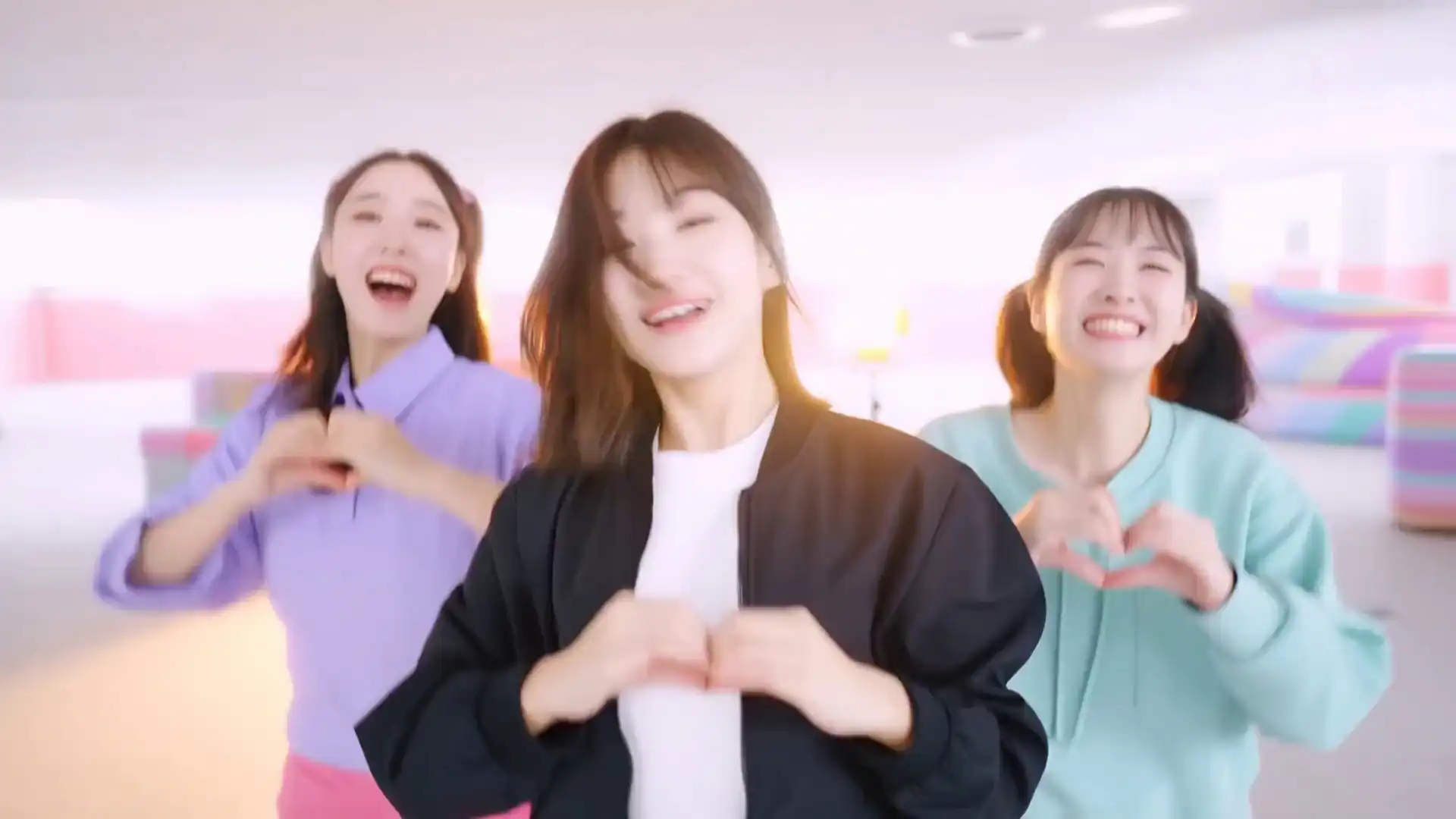
Candy Pastel Heart Hands Dance

Office Ninja Intern Comedy

Convenience Store Meteor Night
How to Use Hailuo 3.0
Create cinematic AI videos in minutes. The Hailuo 3.0 workflow is designed for speed and professional output.
Choose Generation Mode
Select image + prompt video generation or text to video. Upload a reference image with a prompt, or describe your scene using text for Hailuo 3.0. Choose Text to Video if you are starting from a written concept with no existing visual. Choose Image to Video if you have a product photo, character portrait, or illustration you want to animate. Both modes support Director Mode camera control.
Configure Video Settings
Set video duration and basic generation preferences. This helps control pacing and ensures the Hailuo 3.0 video matches your intended style. Set clip duration from 5 to 30 seconds, select a Director Mode camera movement — pan, zoom, orbit, tracking, or crane — and toggle native audio on or off depending on whether you plan to add voiceover or music in post-production.
Generate and Download Video
Click generate to create your video, then preview and download the final result. Your Hailuo 3.0 video is ready for marketing, social media, or storytelling. Generation takes 30 to 180 seconds depending on clip length and resolution. Download as a 4K MP4 file ready for YouTube, TikTok, Instagram Reels, or paid ad campaigns. Failed generations return credits automatically.
To learn more about the detailed generation workflow and platform features, visit our official (How to Use Hailuo 3.0) tutorial.
Hailuo 3.0
Use Cases
Discover real-world use cases of Hailuo 3.0 that help creators generate cinematic AI videos for marketing, social media, storytelling, and product promotion.
Create Marketing Videos for Your Brand
Generate high-quality marketing videos with Hailuo 3.0 to boost your brand's online visibility and increase sales. Whether it's a product promotional video or a brand commercial, AI technology can quickly create eye-catching marketing content for you. One skincare brand produced 200 product videos in 3 days using Image to Video — replacing a 6-week studio schedule at 85% lower cost.
Product Demo Video Generation
Hailuo 3.0 enables you to generate product demo videos using AI, helping customers better understand and experience your product's features. Use dynamic shots to highlight your product's key points and boost conversions. Upload one product photo, apply Motion Brush to animate the packaging, add a 360-degree Orbit shot — and export a publish-ready demo in under 3 minutes.
Social Media Content Creation
Quickly generate viral videos for platforms like TikTok, Instagram, and YouTube, helping brands and content creators increase social media influence and user engagement. One travel creator animated archive photos into 9:16 Reels using Director Mode pan shots — increasing weekly posting from 2 to 6 videos with no new filming required.
Narrative Scene Video Creation
Automatically generate cinematic narrative scenes with Hailuo 3.0, adding depth to your stories. Whether it's for story creation, advertisements, or educational content, AI will turn your text descriptions into vivid visual scenes. Filmmakers use Text to Video with Director Mode crane shots to previsualize scenes before production — replacing expensive location scouting with AI-generated scene drafts.
Advertising Creative Video Generation
Create eye-catching AI advertising videos with Hailuo 3.0, adaptable to various platforms and ad requirements, improving ad performance and brand visibility. One performance marketing agency generated 12 ad creative variants in a single afternoon — cutting creative testing budget by 70% compared to traditional video production.
Tutorial Video Generation
Generate easy-to-understand tutorial videos with Hailuo 3.0 to help users quickly master the use of your products or services. AI technology can automatically transform educational content into engaging tutorial videos, enhancing the learning experience. An online learning platform uses Text to Video to animate abstract concepts — biology, physics, history — that are too costly to produce with live video or traditional animation.
Hailuo 3.0 Prompt Templates — Copy & Use
Ready-to-use prompts across popular categories. Copy any template, replace the bracketed fields, and paste directly into Hailuo 3.0.
A [product] rotates slowly on a white marble surface, studio lighting from upper left, metallic sheen on surface, camera orbits 360 degrees at eye level, 15 seconds, no audio.
A barista pours latte art into a ceramic cup at a sunlit café counter, overhead angle tilting down to close-up as the pattern forms, warm tones, bokeh background, ambient café sounds, 10 seconds.
A modern living room with floor-to-ceiling windows overlooking a forested hillside at golden hour, slow dolly shot left to right revealing fireplace and view, ultra-realistic interior style, wind and fireplace audio, 25 seconds.
A young woman opens a handwritten letter at a worn kitchen table in early morning light, camera starts wide and slowly pushes in toward her face, muted nostalgic color grade, paper rustling and distant birds, 20 seconds.
Aerial view of a turquoise coastline at sunrise, slow crane shot descending from above the cliffs toward the beach, cinematic color grade, ocean waves and wind audio, 15 seconds.
A smartphone floats and rotates in a dark void, light refracts off the screen glass, camera orbits slowly while zooming into the display, deep electronic hum audio, 12 seconds.
Hailuo 3.0 vs Other AI Video Generators
Compare Hailuo 3.0 with leading AI video models across frame rate, resolution, audio sync, and generation quality. See how Hailuo 3.0 delivers smoother motion, native 4K output, and stronger prompt understanding.
| Dimension | Next-Gen LeaderHailuo 3.0 | Sora (OpenAI) | Kling 1.5 / Pro | Google Veo |
|---|---|---|---|---|
| Native Frame Rate (FPS) | Native 60FPS Industry-first native 60FPS for ultra-smooth motion | 24/30FPS Cinematic look but motion blur in fast scenes | 30FPS Mainstream smoothness | 30FPS Standard motion performance |
| Output Resolution | Native 4K (Ultra HD) High sampling with strong texture detail | 1080p 1080p publicly available | 1080p (Up-scaled to 4K) Improved in 1.5 | 1080p Good color but softer details |
| Native Audio Sync | Native multimodal sync Audio aligned with motion and emotion | Basic ambient audio Limited public testing | Lip sync supported Requires extra input | Ambient audio matching |
| Single Generation Duration | 15s - 30s stable No stitching required | 12s Strong coherence but occasional errors | 5s - 10s native Long video may drift | 8s+ Conservative motion |
| Character Consistency | Reference-level consistency No drift across camera changes | Very strong Limited public access | Strong character reference | Medium consistency |
| Complex Physical Logic | Strong common-sense reasoning Handles real-world interactions | Industry-leading Occasional artifacts | Strong but may distort | Stable but conservative |
| Semantic Understanding | Native bilingual understanding Handles complex prompts | Best-in-class language understanding | Strong short prompt response | Artistic but less precise |
| Prompt Following | High prompt accuracy Supports layered motion instructions | Extremely high | High but minor deviations | Moderate prompt control |
"Hailuo 3.0 delivers native 60FPS motion, true 4K generation, and synchronized audio — advantages that make it well-suited for cinematic AI video generation, marketing content, and storytellin
Frequently Asked Questions
About Hailuo 3.0
Get detailed answers about features, generation workflow, commercial use, credits, privacy, and refunds.